

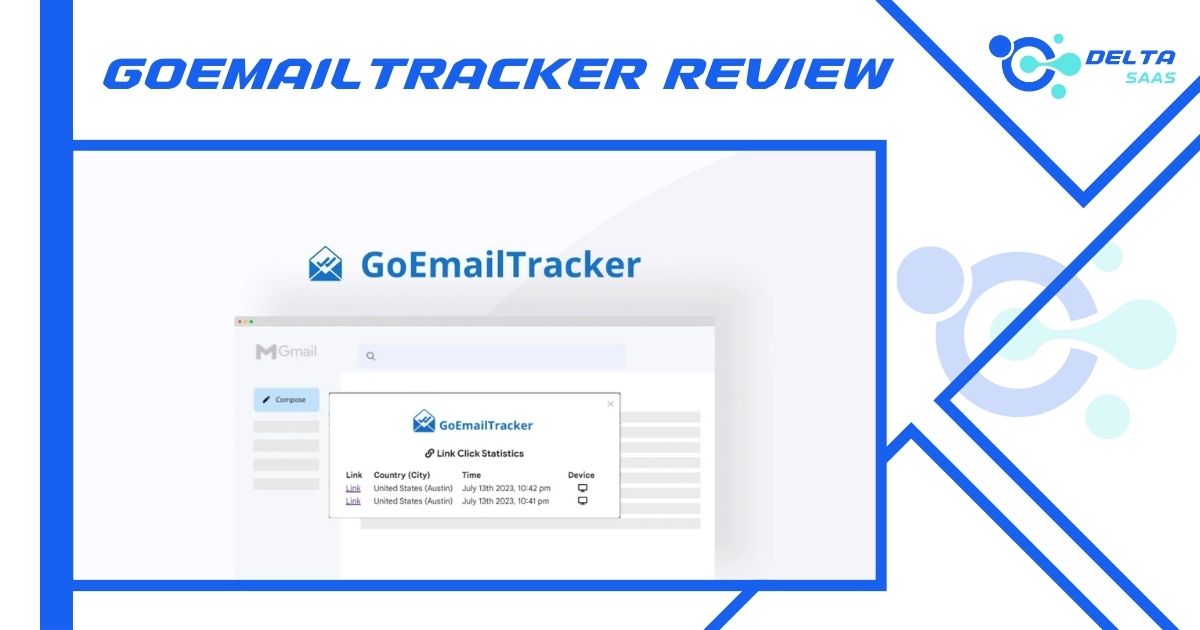
Understanding your email performance is crucial for effective marketing. GoEmailTracker offers tools to track and analyze emails effortlessly.
This advanced email tracking tool provides real-time insights that help optimize your email strategies. Whether you want to monitor open rates, clicks, or analyze geo-location data, GoEmailTracker delivers comprehensive details. It includes features like AI email writing, security compliance, and integration with popular platforms. With its user-friendly interface, it’s designed to enhance communication for marketers, customer support teams, and remote workers. This review will delve into how GoEmailTracker can transform your email campaigns and improve engagement. Discover how to make data-driven decisions with ease. Interested in exploring GoEmailTracker? Click here to learn more.
Credit: deltasaas.com
Introduction To Goemailtracker
In the digital age, email remains a crucial communication tool. Understanding email engagement can transform marketing strategies. GoEmailTracker steps in as a solution, offering real-time insights into email interactions. It helps users track, analyze, and optimize their campaigns efficiently. This introduction explores the features and benefits that GoEmailTracker brings to the table.
What Is Goemailtracker?
GoEmailTracker is an advanced email tracking tool. It provides real-time insights into your email campaigns. Users can monitor open rates, clicks, and even geo-locations. This tool empowers users to optimize their email marketing strategies with ease.
- Real-time Tracking: Instantly monitor email opens and link clicks.
- Geo-location Data: Discover where your audience is most active.
- AI Email Writer: Use AI-generated content for emails.
- Security: GDPR-compliant and uses advanced encryption.
GoEmailTracker integrates seamlessly with platforms like Gmail and Google Workspace. It offers a mobile add-on for Android and iOS, enhancing accessibility and convenience.
The Purpose And Importance Of Email Tracking
Email tracking serves several key purposes. It provides actionable insights into recipient engagement. This helps in crafting more effective campaigns. Tracking email interactions can lead to increased conversions and improved targeting.
| Benefits | Details |
|---|---|
| Actionable Insights | Enhance marketing by understanding engagement. |
| Increased Conversions | Improve performance through comprehensive tracking. |
| Data-Driven Decisions | Optimize campaigns with real-time analytics. |
| Security Assurance | Secure and compliant tracking for peace of mind. |
The ability to make data-driven decisions is invaluable. It allows marketers to refine strategies based on real-time data. With GoEmailTracker, users can integrate these insights into their existing workflows effortlessly.
Key Features Of Goemailtracker
GoEmailTracker is a powerful tool for email tracking and analytics. It offers real-time insights, helping users optimize their email marketing strategies. This tool provides features like tracking open rates, clicks, and geo-locations. It is designed to enhance communication efficiency and make email campaigns more effective. Below are some key features that make GoEmailTracker a valuable asset for marketers and customer support teams.
Real-time Email Tracking
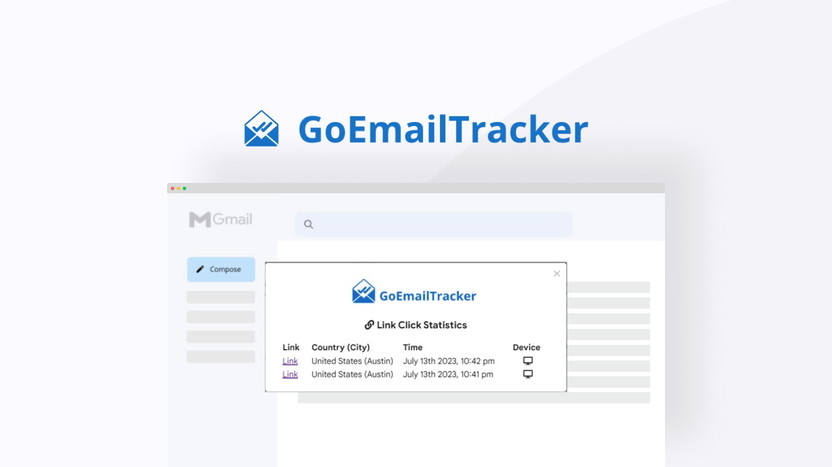
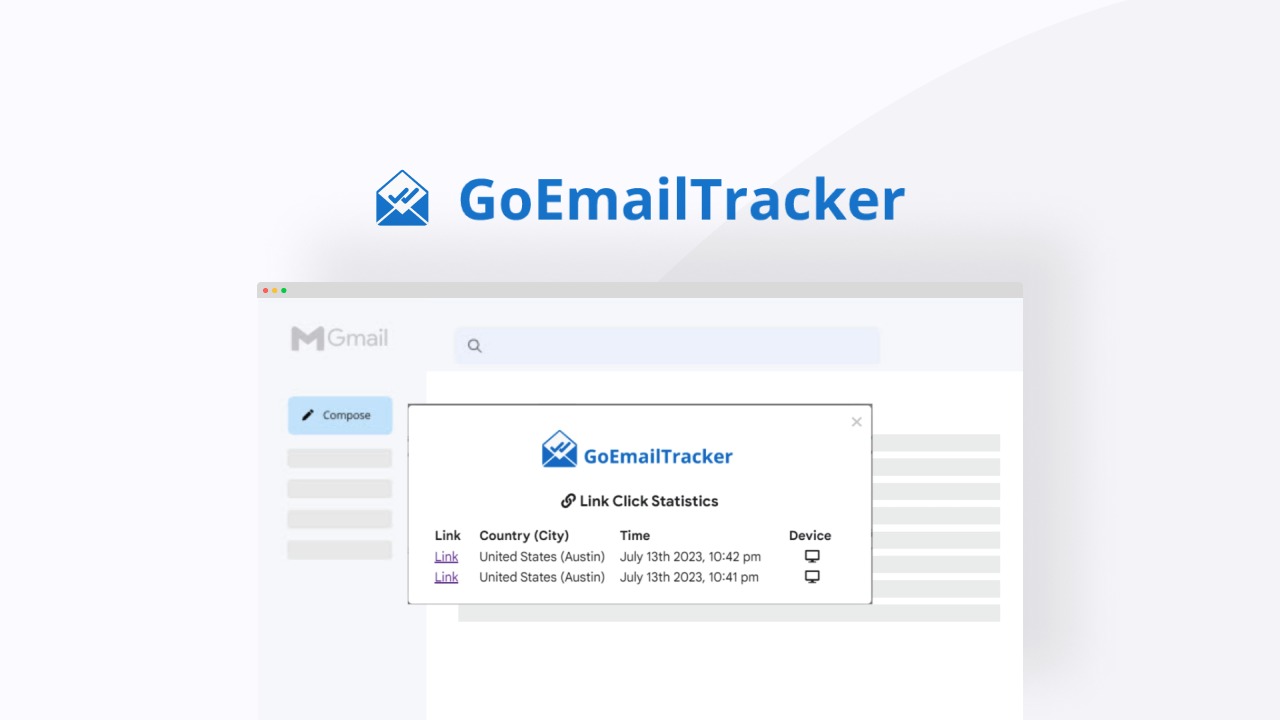
Real-time email tracking is a standout feature of GoEmailTracker. Users can monitor email opens and link clicks instantly. This feature enables users to understand recipient engagement and make data-driven decisions on the fly. Knowing when an email is opened or a link is clicked can significantly improve targeting strategies.
Email Open And Click Notifications
GoEmailTracker provides email open and click notifications, alerting users immediately. This feature ensures that users are informed about email interactions as they happen. With instant notifications, users can quickly follow up on leads or adjust their email content for better engagement.
Integration With Popular Email Platforms
Integration is seamless with GoEmailTracker, as it supports Chrome, Edge, Gmail, and Google Workspace. This compatibility ensures that users can incorporate GoEmailTracker into their existing workflows easily. The tool fits well with common platforms used by customer support teams and marketers.
User-friendly Dashboard
The user-friendly dashboard of GoEmailTracker simplifies email tracking and analytics. It offers a clear view of email activities and interactions. Users can access data effortlessly, making it easier to optimize campaigns. The dashboard is intuitive, making it accessible even for those new to email marketing analytics.
Pricing And Affordability Of Goemailtracker
Choosing the right email tracking tool involves considering the costs. GoEmailTracker offers a blend of affordability and robust features. Users can optimize email marketing without breaking the bank. Let’s delve into the pricing structure of GoEmailTracker.
Overview Of Subscription Plans
GoEmailTracker offers a straightforward pricing model. It provides a Lifetime Plan with a one-time payment of $19, discounted from the original price of $40. This plan includes unlimited email tracking and access to essential features like the AI email writer and email open/link click history.
| Plan | Cost | Key Features |
|---|---|---|
| Lifetime Plan | $19 | Unlimited tracking, AI email writer, open/link history |
Value For Money: Comparing Features Across Plans
The Lifetime Plan offers significant value. Users gain access to real-time tracking, geo-location data, and an AI email writer. These features help users make data-driven decisions and enhance email marketing strategies.
- Real-time Tracking: Monitor email opens and clicks instantly.
- Geo-location Data: Identify where your audience engages most.
- AI Email Writer: Automate email composition.
The value derived from these features far exceeds the nominal one-time fee. It’s a practical choice for those seeking efficient email tracking solutions.
Free Vs. Paid Options
GoEmailTracker’s Lifetime Plan is a paid option, but it comes with a 60-day money-back guarantee. Users can try the tool risk-free for two months. Unfortunately, there isn’t a free version available, but the affordability of the paid plan makes it accessible.
Paid users receive comprehensive support and access to all features. This includes seamless integration with platforms like Chrome, Edge, and Google Workspace. The return policy offers peace of mind, ensuring satisfaction with the purchase.
Overall, GoEmailTracker’s pricing strategy focuses on delivering maximum value. The tool is an affordable choice for marketers and customer support teams.
Credit: appsumo.com
Pros And Cons Of Using Goemailtracker
GoEmailTracker offers a range of features for tracking and analyzing emails. It provides real-time insights that help users optimize their email marketing strategies effectively. This section explores the advantages and potential drawbacks of using GoEmailTracker.
Advantages Of Goemailtracker In Real-world Scenarios
GoEmailTracker stands out with its real-time tracking
The tool offers geo-location data, helping users understand where their audience is most active. This feature is particularly useful for businesses targeting specific regions.
With the AI Email Writer, composing or replying to emails becomes more efficient. Users can save time and ensure content quality with AI-generated emails.
GoEmailTracker includes email templates, which can be saved and reused. This streamlines the process of launching future campaigns.
Security is a priority, with GDPR compliance and advanced encryption protocols. Users can track emails confidently, knowing their data is secure.
Compatible with Chrome, Edge, Gmail, and Google Workspace, it offers seamless integrations into existing workflows.
The Email Signature Generator allows users to create custom signatures, enhancing brand professionalism.
Available on Android and iOS, the Mobile Add-on ensures users can track emails on the go.
Potential Drawbacks And Limitations
While GoEmailTracker provides valuable features, users might find some limitations in its functionality. Advanced users may require more customization options than currently available.
The tool is primarily designed for customer support teams, marketers, and remote teams. Users outside these groups might find it less tailored to their needs.
While the pricing is affordable, it might not include all advanced features desired by larger enterprises. The one-time payment model could limit updates and new features unless specified.
Though integrations are available, users might encounter challenges with platforms not supported. This could require additional setup or alternative solutions.
Despite the comprehensive tracking capabilities, users need to ensure their email content remains engaging. The tool provides insights, but content quality ultimately drives recipient response.
“`
Ideal Users And Scenarios For Goemailtracker
GoEmailTracker provides real-time insights for email campaigns. This tool is ideal for users who want to track and optimize their email strategies. Its features offer actionable insights, aiding in improved email performance. Let’s explore who benefits most from GoEmailTracker and how to maximize its potential.
Who Can Benefit Most From Goemailtracker?
GoEmailTracker serves a diverse audience. Customer support teams can use it to track email interactions, ensuring timely responses. Marketers benefit from understanding recipient engagement through real-time tracking. This helps them tailor marketing strategies effectively. Remote teams find it useful for maintaining communication efficiency. The tool integrates seamlessly with platforms like Chrome, Edge, Gmail, and Google Workspace.
Additionally, GoEmailTracker suits anyone wanting data-driven decisions. Its features like geo-location data and an AI email writer enhance productivity. Small businesses and freelancers benefit from the cost-effective pricing, especially with the lifetime plan at $19.
Best Practices For Maximizing The Tool’s Potential
To get the most out of GoEmailTracker, follow these best practices:
- Utilize Real-Time Tracking: Monitor email opens and link clicks regularly. This helps in understanding recipient behavior.
- Analyze Geo-Location Data: Use geo-location insights to target campaigns effectively, focusing on regions with high engagement.
- Leverage AI Email Writer: Save time by using AI-generated content for composing and replying to emails.
- Reuse Email Templates: Create and save templates for consistency across campaigns. This ensures brand uniformity and saves time.
- Ensure Security: Take advantage of the tool’s GDPR compliance and encryption to maintain email security.
Integrating GoEmailTracker with your current workflow is simple. The mobile add-on ensures you stay connected and updated on-the-go. Regularly reviewing the email activities feed helps maintain effective communication strategies.
| Feature | Benefit |
|---|---|
| Real-time Tracking | Instant insights into email opens and clicks |
| Geo-location Data | Audience activity insights by location |
| AI Email Writer | Efficient email composition |
| Email Templates | Consistency and time-saving |
| Security | GDPR compliance and encryption for safety |
These practices help in maximizing the tool’s potential. They ensure improved email marketing performance and communication efficiency.
Credit: appsumo.com
Frequently Asked Questions
What Does The User Review Say About Gmail?
Users praise Gmail for its clean interface and efficient spam filter. They appreciate its integration with other Google services. The search function is fast and reliable. Some users find storage space generous, while others desire better organization tools. Overall, it is considered user-friendly and reliable for email management.
How Do I Leave A Review On Gmail?
You can’t leave a review directly on Gmail. Instead, leave feedback via Gmail’s “Help & Feedback” option. Access it by clicking the settings icon, then “Help,” and finally “Send Feedback. ” Provide your comments or suggestions there.
How Do I See My Gmail Reviews?
To see Gmail reviews, log into your Google account. Visit Google Maps, click “Your Contributions” then “Reviews. ” All your submitted reviews will be displayed there. Check your Google account settings if you encounter issues. Ensure your Gmail account is linked to Google Maps for seamless access.
How Do I Give A Review On Google?
Open Google Maps or Search, find the business, click “Write a review,” rate it, and submit your feedback.
Conclusion
GoEmailTracker stands as a solid tool for email marketers. It offers real-time insights to enhance email campaigns. Users can track opens, clicks, and geo-locations easily. This helps in making data-driven decisions for better engagement. The tool’s integration with popular platforms adds to its utility. Moreover, it provides security with GDPR compliance. Simple setup and ease of use make it accessible for all users. With a lifetime plan at $19, it’s cost-effective too. Explore its features by visiting the GoEmailTracker page. Give it a try with a risk-free, 60-day money-back guarantee.
