

Onestream Live is not entirely free. It offers a free plan with limited features.
Onestream Live is a popular tool for live streaming and scheduling pre-recorded videos. Many users wonder if they can use it without paying. While it does have a free plan, this comes with certain restrictions. Users on the free plan can access basic features, but advanced options require a subscription.
In this post, we’ll explore what the free plan includes, its limitations, and whether it’s worth using. Understanding these details can help you decide if Onestream Live fits your needs. Let’s dive in to see if this free option meets your expectations.

Credit: onestream.live
Introduction To Onestream Live
Onestream Live offers free and paid plans for live streaming. The free plan includes limited features and basic support. Users can upgrade for more advanced options.
Onestream Live is a popular streaming platform. It allows users to broadcast live videos. Many people use it for different purposes like webinars and social media streams. The platform is known for its user-friendly interface.Platform Overview
Onestream Live is a versatile streaming service. Users can stream videos across multiple platforms at once. It supports Facebook, YouTube, and LinkedIn. The platform is cloud-based, so you don’t need special hardware. It is designed to make streaming easy and accessible for everyone.Key Features
One key feature is pre-recorded streaming. Users can upload videos and schedule them to go live later. This is helpful for people with busy schedules. Another feature is the ability to stream on multiple platforms at the same time. This saves time and effort. Onestream Live also offers customization options. You can add your logo and custom thumbnails. This helps in branding your content. The platform provides analytics tools too. You can track the performance of your streams and improve them. These features make Onestream Live a good choice for both beginners and professionals. It simplifies the streaming process and enhances user experience. “`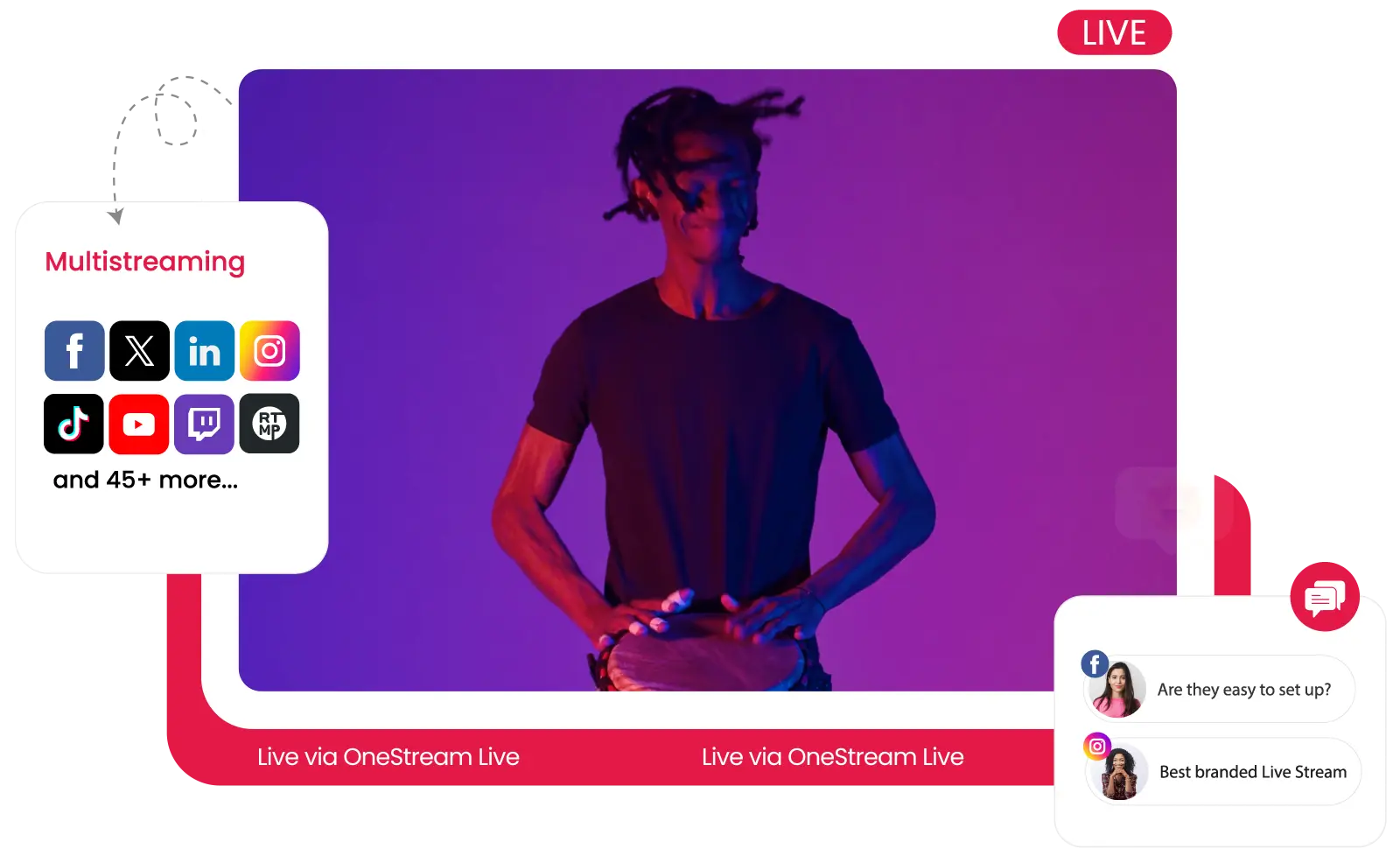
Credit: onestream.live
Pricing Model
Understanding the pricing model of OneStream Live is essential. This helps you decide if it fits your streaming needs. OneStream Live offers both free and paid plans. Each plan comes with unique features and benefits. Let’s delve into the details of these plans.
Free Plan Details
The free plan is a great starting point. It offers basic features for new users. Stream to one platform at a time. Enjoy up to 5 minutes of pre-recorded streaming. Access limited cloud storage. This plan suits beginners testing the platform. It provides essential tools without any cost.
Paid Subscription Plans
For advanced features, consider the paid plans. Paid plans offer more flexibility and options. The Basic plan supports up to 3 platforms. Stream for up to 15 minutes. Get more cloud storage and priority support.
The Standard plan allows streaming to 25 platforms. Enjoy up to 2 hours of streaming. Access advanced analytics and more storage. This plan is ideal for regular streamers.
The Professional plan is the most comprehensive. Stream to 50 platforms with no time limits. Get unlimited cloud storage. Benefit from premium support and advanced features. This plan suits professional streamers and businesses.
Free Plan Limitations
The free plan of OneStream Live offers basic features to start streaming. However, it comes with certain limitations. These may affect your streaming experience. Below are the key restrictions you need to know.
Feature Restrictions
The free plan has limited features compared to paid plans. For example:
- No access to multi-streaming to multiple platforms simultaneously.
- Limited support for only a few social media platforms.
- Basic scheduling options without advanced settings.
- No custom RTMP streaming capabilities.
- Watermark on streams that indicates usage of the free plan.
These restrictions might impact your ability to reach a wider audience. Advanced features are locked behind paid plans.
Usage Limits
Usage limits are another drawback of the free plan. Key usage limitations include:
| Limit | Details |
|---|---|
| Streaming Hours | Up to 5 hours of streaming per month. |
| Video Upload Size | Maximum 1GB per video upload. |
| Scheduled Streams | Up to 2 scheduled streams per day. |
These limits can restrict your content creation and streaming frequency. Consider these factors before opting for the free plan.
Benefits Of Paid Plans
Choosing OneStream Live’s paid plans can elevate your streaming experience. While the free plan offers basic features, the paid plans provide many advantages. Let’s explore some of the key benefits.
Enhanced Features
With a paid plan, you get access to advanced streaming tools. These tools help improve your content quality and engagement.
- Custom RTMP Streaming: Stream to any platform that supports RTMP.
- Advanced Scheduling: Plan your streams with more flexibility.
- Real-time Analytics: Gain insights into your stream’s performance.
- Multistreaming: Broadcast to multiple platforms at once.
These features allow you to create professional, engaging streams that attract more viewers.
Increased Streaming Limits
Paid plans come with higher streaming limits. This means you can stream more often and for longer durations.
| Plan | Monthly Streaming Hours | Max Stream Duration |
|---|---|---|
| Basic | 10 hours | 30 minutes |
| Standard | 50 hours | 4 hours |
| Professional | Unlimited | 8 hours |
Higher limits ensure you can reach your audience more frequently. This is essential for growing your online presence.
Comparing Free Vs Paid Plans
Choosing between the free and paid plans of OneStream Live can be challenging. Understanding the differences helps in making an informed decision. Let’s dive into a detailed comparison.
Cost-benefit Analysis
The free plan of OneStream Live offers basic features. You can stream to one platform at a time. It is suitable for beginners. The paid plans, on the other hand, offer advanced features. You can stream to multiple platforms at once. These plans come with higher video quality and more storage.
Paid plans also include customer support. This can be crucial during live events. The cost of paid plans varies. They are designed to fit different needs and budgets.
User Scenarios
The free plan works well for personal use. Small businesses can also benefit. It is ideal for occasional streaming. You can test the platform without any investment.
For regular streamers, the paid plans are better. They provide more flexibility and features. Businesses that rely on live streaming will find them useful. The higher quality and support enhance user experience.
Choose the plan that best fits your needs. Consider your streaming frequency and audience size. This way, you maximize the benefits of OneStream Live.
Credit: onestream.live
User Testimonials
Curious about how OneStream Live performs in real-life scenarios? Users have shared their experiences with both the free and paid plans. Their insights can help you decide if OneStream Live meets your needs.
Free Plan Experiences
Many users find the free plan helpful for basic streaming needs. They enjoy the ease of use and the ability to stream on multiple platforms. One user said, “The free plan is perfect for my small audience. I can stream on YouTube and Facebook without any issues.” Another user noted, “It’s a great way to test the service without spending money.”
Users appreciate the scheduling feature in the free plan. It allows them to plan their streams ahead of time. “I love that I can schedule my streams,” one user mentioned. “It saves me a lot of time.”
Paid Plan Experiences
Users on paid plans report enhanced features and better support. Many find the advanced features worth the cost. One user stated, “The paid plan offers more customization and better quality. It’s worth it for my business.”
Another user highlighted the 24/7 support. “I had an issue, and their support team was quick to help,” they said. “The customer service is excellent.”
Overall, users on paid plans experience fewer limitations. They enjoy more streaming options and higher quality broadcasts. “With the paid plan, I can stream in HD and reach more viewers,” one user shared. “It’s a great upgrade.”
Tips For Maximizing Free Plan
Onestream Live offers a free plan that provides essential features for live streaming. To get the most out of this plan, you should follow some key strategies. Below, we provide best practices and common pitfalls to help you maximize the free plan.
Best Practices
Following best practices can help you fully utilize Onestream Live’s free plan. Here are some tips:
- Plan your content: Create a content calendar to keep your streams consistent.
- Test your setup: Check your camera, mic, and internet connection before going live.
- Engage with your audience: Respond to comments and questions during your stream.
- Use relevant tags: Add tags to make your streams easier to find.
Common Pitfalls
Avoiding common pitfalls will help you make the most of your free plan. Here are some things to watch out for:
- Ignoring analytics: Use the provided analytics to understand your audience better.
- Overloading your stream: Keep your stream focused on a single topic to avoid confusion.
- Poor lighting: Ensure your streaming area is well-lit to maintain video quality.
- Inconsistent schedule: Stick to a regular streaming schedule to build a loyal audience.
By following these tips, you can effectively use Onestream Live’s free plan and create engaging content for your viewers.
Frequently Asked Questions
Is Onestream Live Completely Free?
OneStream Live offers a free plan. It comes with limited features. For advanced features, you need paid plans.
What Features Are Included In Onestream Live Free Plan?
The free plan includes basic streaming features. Users can stream to one social account. It also has limited scheduling options.
Can I Stream To Multiple Platforms For Free?
No, the free plan supports streaming to one social account only. For multiple platforms, opt for a paid plan.
Is There A Trial Period For Paid Plans?
Yes, OneStream Live offers a trial period. You can test advanced features before committing to a subscription.
Conclusion
To wrap things up, OneStream Live offers both free and paid plans. The free plan has limits, but it’s a great start. You can stream to one platform at a time. The paid plans offer more features and flexibility. Choose based on your needs.
Trying the free plan can help you decide. Streaming is easy with OneStream Live. Explore your options today. Happy streaming!
